Written by Emme-Lotte
Edited on
28 August 2024
·
06:49
How does the Google Pixel Tablet work with Google Home?
With Google Home on your Google Pixel Tablet, you can control all your smart devices. For example, raise or lower the thermostat and turn your lights on or off. With Google home, you can easily set up a morning or evening routine. You can read how Google Home on your Pixel Tablet benefits you in this article.
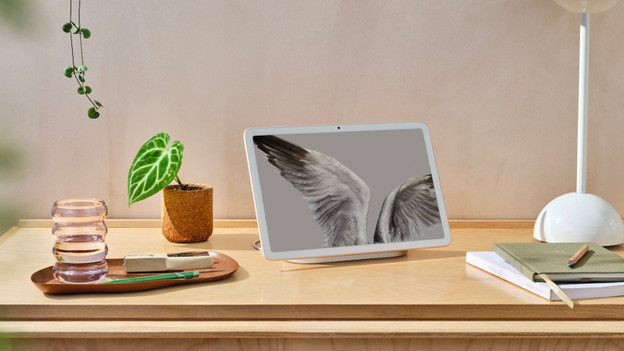
Google Pixel Tablet
On the Google Pixel Tablet, you can watch movies and series in high quality with the good screen. In addition, you can enjoy a powerful sound and the Pixel Tablet is always charged in the charging dock with speaker. Do you have smart devices at home? You can control them via Google Home with the Pixel Tablet. You can read everything on Google Home on your Pixel Tablet here.
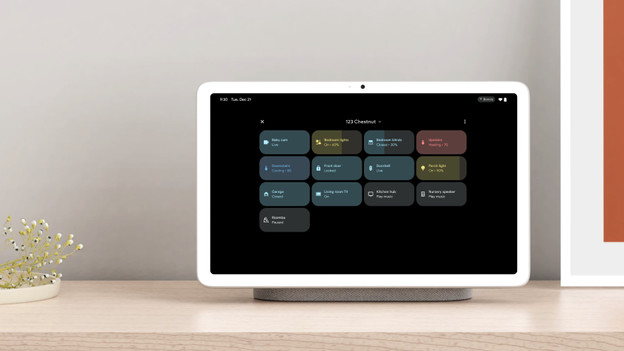
Control your smart devices centrally
You can control all your smart devices with the Google Home app on your Google Pixel Tablet. You can download this in the Play Store. In the app, you can see an overview of all your smart devices at a glance. You can adjust settings and set up routines. Don't want to stand up to get your tablet? With the built-in Google Assistant, you can control the devices with your voice. You can command them with 'Hey, Google'.
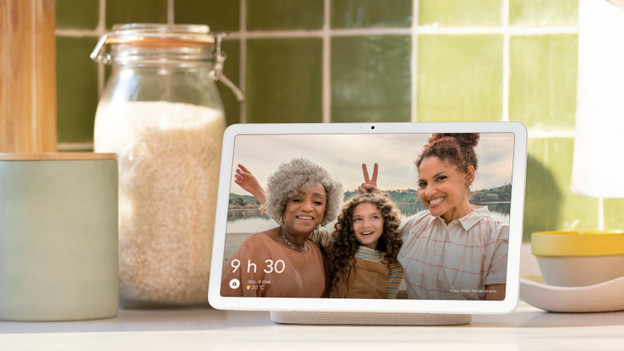
Use Google Home in more places at home
With the Hub mode on your Pixel Tablet, you can control your smart devices in different places at home. For example, you can use Google Home to raise or lower the thermostat. On the screen of your tablet, you can see your energy consumption right away. While you sit down on the couch, you can turn the lamps in various rooms on or off. With a Chromecast, you don't need a remote anymore. You can stream your music or movies and control the television with your voice.
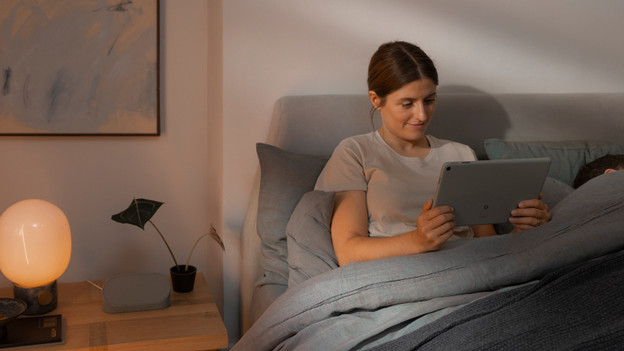
Get more out of your tablet with Google Home routines
With Google Home routines, you can easily set up routines for any moment of the day. For example, you'll always have a morning or evening routine this way. The Assistant reads out your calendar when you wake up. It'll also tell you the news and weather of the day. The lamps and thermostat turn on automatically. In the kitchen, you can command the smart home tablet to set a timer. This way, you'll know exactly when to take the potatoes out of the oven.
Article by Emme-Lotte
Tablet Expert.