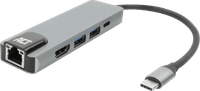
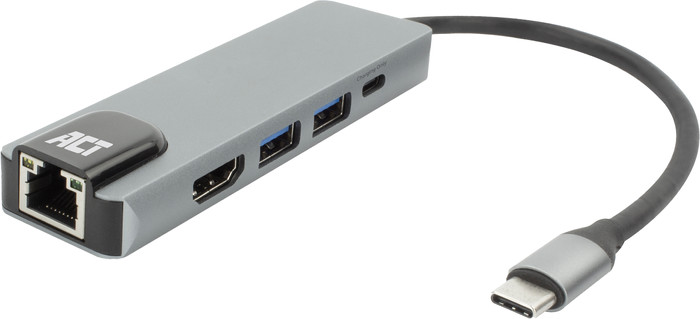
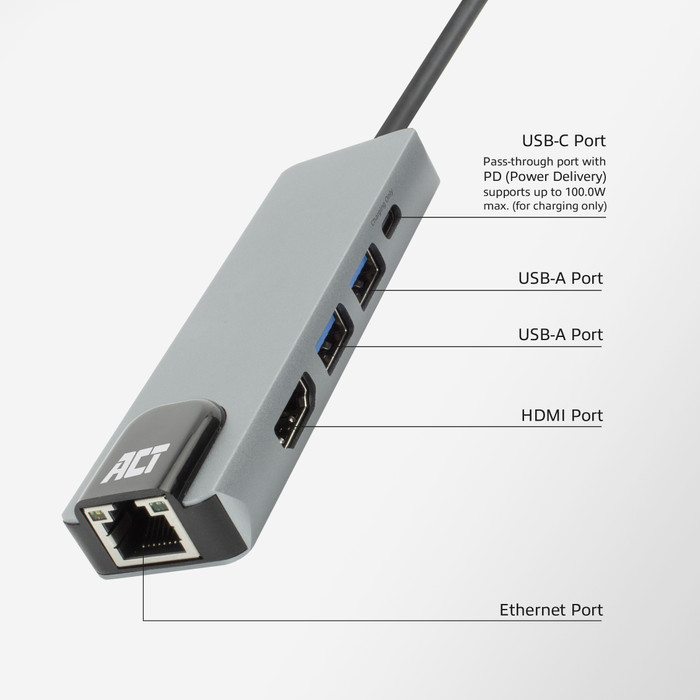
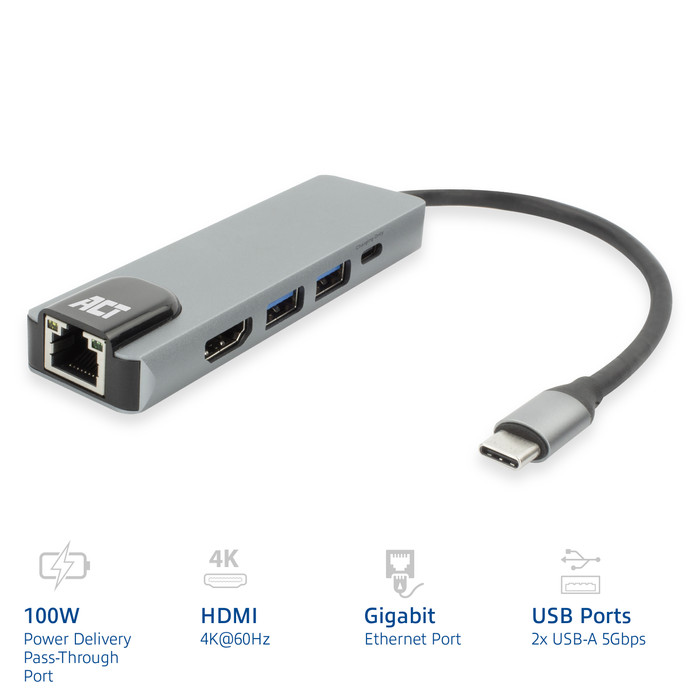
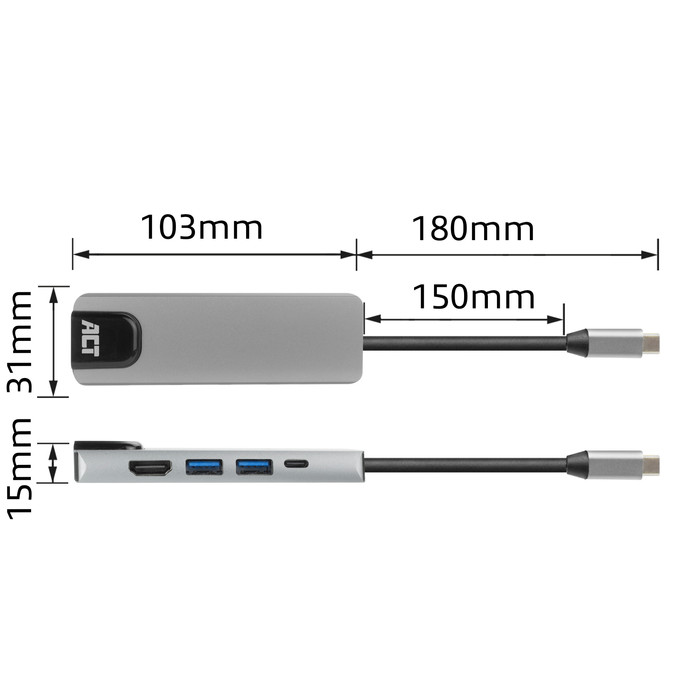
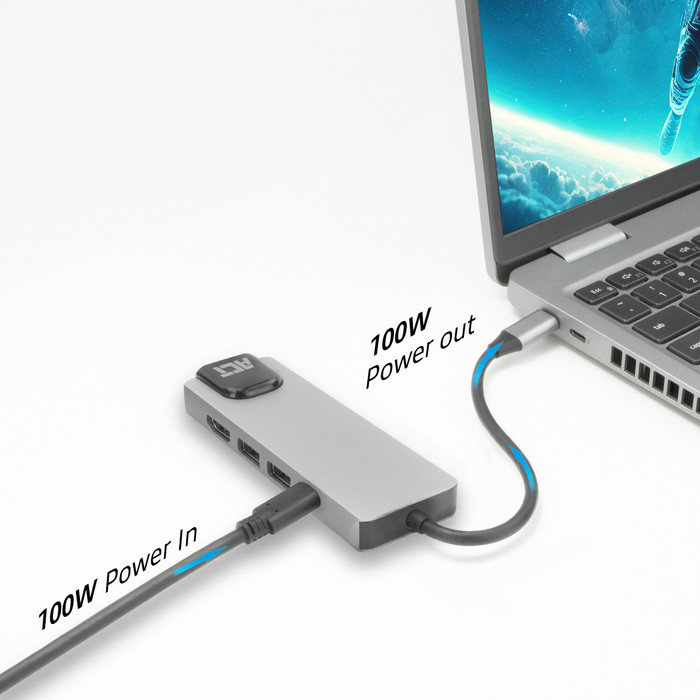
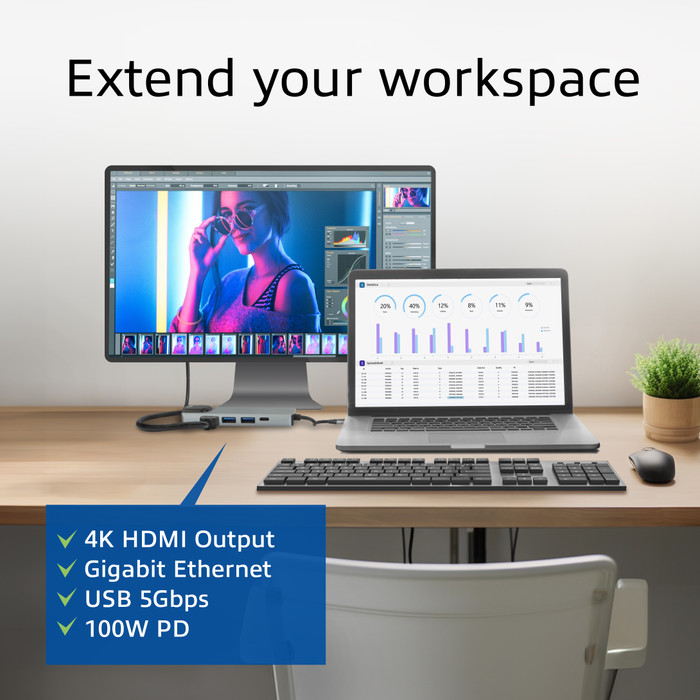
Second Chance ACT AC7091 USB-C Docking Station
State of this product
Used for up to 30 days. Returned product in opened original packaging. Complete with undamaged accessories/parts.

Second Chance version:
Returned
·
Undamaged
Choose your Second Chance version
Condition
Version
This is the one
Second Chance ACT AC7091 USB-C Docking Station
Returned · Undamaged
- product-page-microfrontend.webshop.secondChance.usage
- Returned product in opened original packaging
- Complete with undamaged accessories/parts