
Written by Daniel
Edited on
8 July 2025
·
12:15
4 tips to hear the sound of your eufy doorbell everywhere
You've bought a Eufy doorbell and want to be able to hear it everywhere in the house. With the 4 tips in this article, you'll always hear it when someone rings your doorbell. We'll explain how to increase the volume of your HomeBase, for example. We'll also explain different ways to hear your doorbell everywhere.
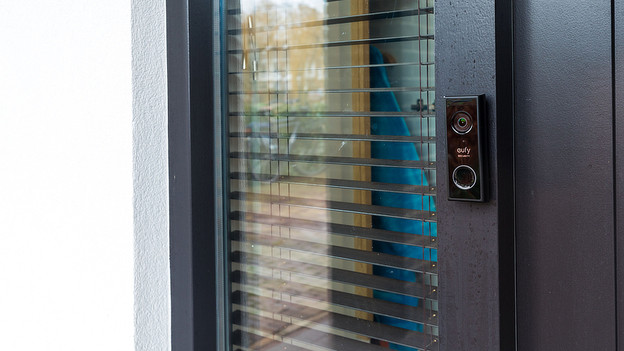
Adjust the notifications of your Eufy doorbel
With these tips, you can hear it everywhere in the house when someone rings your Eufy doorbell. This way, they never have to wait fo rlong.
- Tip 1. Adjust the sound of your HomeBase.
- Tip 2. Add a Ring Chime.
- Tip 3. Turn on notifications on your phone.
- Tip 4. Use an Amazon Alexa base station.
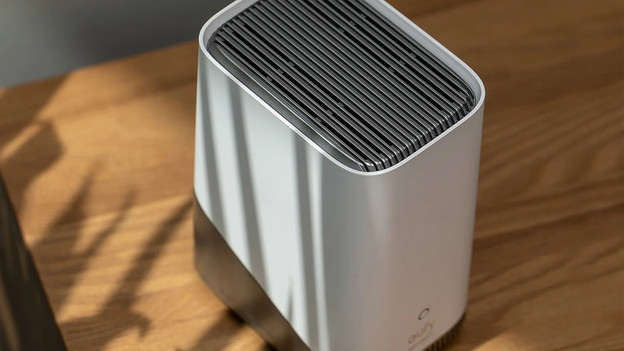
Tip 1: increase the volume of your HomeBase
Generally, your Eufy HomeBase produces sound when someone rings your doorbell. Can't hear your HomeBase everywhere in the house? Turn up the volume. You can so do via the Eufy Security app. On the homescreen, tap the 3 dots in the bottom right corner of your doorbell preview. Then, choose 'Sounds'. Scroll down until you find 'Doorbell ringtone volume'. Drag the ball to the right to turn it up.
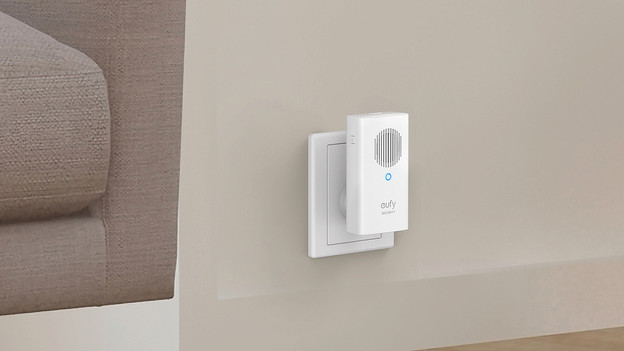
Tip 2: use a Eufy Chime
The Eufy Chime is a doorbell gong you can place anywhere in the house. You can easily add one or more to your Eufy doorbell. Plug a Chime into the socket on the first floor, for example. That way, you can here it there as well when someone rings your doorbell. The Chime and HomeBase work at the same time. This means that you can use the Eufy Chime in place where you don't hear the HomeBase when someone rings the doorbell.
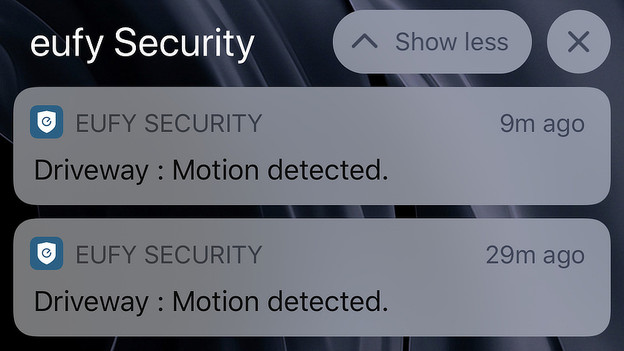
Tip 3: set up notifications on your phone
You can control all Eufy doorbells with the Eufy Security app on your phone. You also receive notifications via this app. When the doorbell spots a person, for example. in the app, you can set that you receive a notification when someone rings the doorbell. You can do this via the settings of your doorbell. Simply tap the 3 dots in the bottom right corner and then the gearwheel. Go to 'Notifications' and switch on the 'Ring bell' toggle. This ensures you receive a notification when someone rings the doorbell, wherever you are.

Tip 5: use a smart home hub
Do you have a smart hub? Use it in combination with your Eufy doorbell. To do this, go to the 'Devices' tab in the Home app. Then, tap 'Announcement Devices'. Here, you can choose which devices you want to hear the doorbell sound on. You can now switch on the 'Doorbell Press Announcements' toggle. From now on, the base stations you've selected produce a sound when someone rings the doorbell.
