Written by Daniel
Edited on
6 October 2025
·
10:38
How do you choose a router?
Do you want better WiFi at home, but aren't you sure which router you should choose for this? In this article, we'll explain which router is the best choice for you. That way, you'll know how to get internet throughout your entire house and you'll be able to connect all your WiFi devices. You can also choose a router that suits your usage, no matter if you work from home often or want to game a lot.
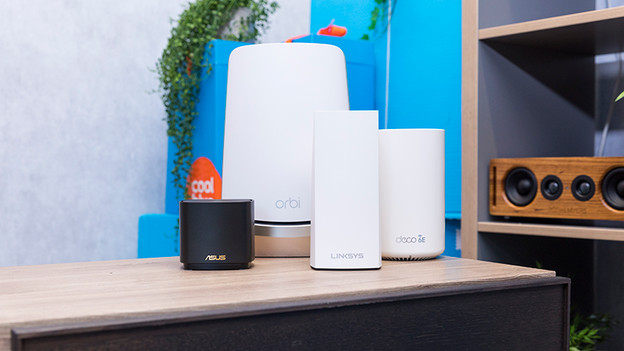
Choose a router
When choosing a router, you should ask yourself a couple of questions. After you answered them, you'll know which router suits you:
- Do you want to go online everywhere in your house?
- How many devices with WiFi do you have at home?
- Do you want to stream, work from home, or just browse the internet?
- Do you game online?
- Do you want a router for your company?

Do you want a stable connection in your whole home?
You often don't have WiFi upstairs with a router by your provider, or just poor internet. Do you want WiFi throughout your entire house? You should choose a mesh WiFi system. This is a router with multiple stations. You can divide these WiFi points over your house. That way, you'll have just 1 WiFi network with coverage throughout your entire house. As a result, your devices can go online anywhere. You don't have to switch between WiFi networks because your phone, tablet, or laptop will switch to the strongest network automatically.
How many devices do you want to connect to WiFi?
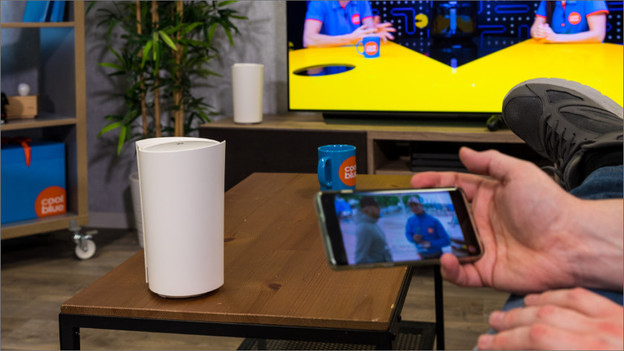
More and more devices have WiFi. No just your smartphone or PC are online, but also your printer, WiFi speakers, smart lights, or a thermostat. To connect and control all these devices to WiFi, you need a stable network. WiFi 7 was developed for this. This latest WiFi version remains stable even if you go online with more than 15 devices at the same time. As a result, WiFi 7 is ideal for families where everyone wants to go online.
A wired network is the most stable
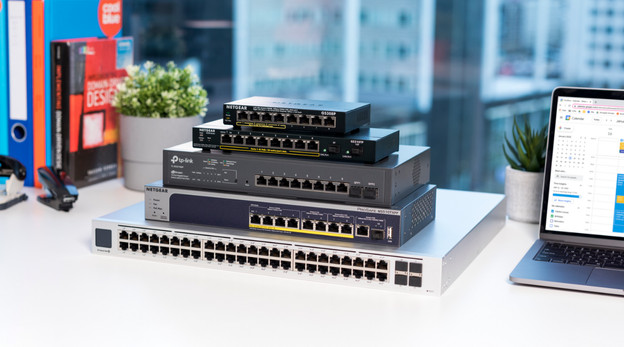
Do you want a stable connection over a longer distance? A wired network is often the best option. In this case, you need a router with a fast WAN port and multiple fast LAN ports. You'll connect these LAN ports to switches, which distribute the wired network. Do you want to make a wired connection wireless again? Use an access point. Connect a network cable to this access point, which will then distribute the signal wirelessly.
Do you want to stream or work from home?
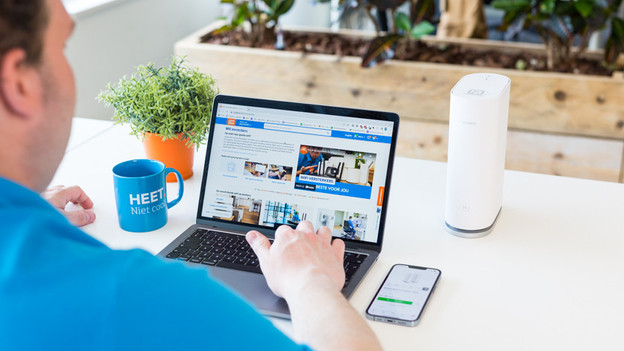
Less and less people use the internet just to browse pages. Streaming movies and music has become normal. You don't want your favorite serie to buffer. We also work from home more regularly, and you don't want your video meeting to freeze or stutter. You need a router with a connection that's faster than average for this. That way, you can make sure you'll always have enough bandwidth to stream or make video calls.
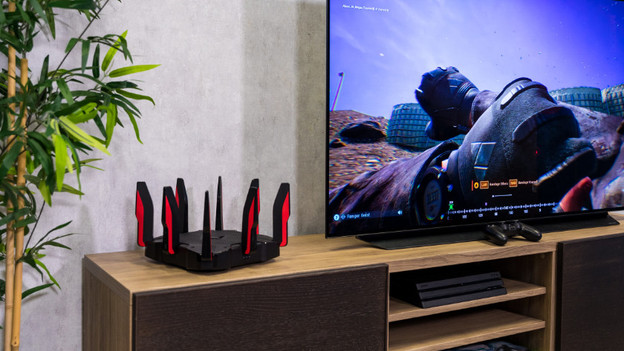
Do you game online?
If you game online on a regular basis, you need a router with extra gaming options. With a gaming router, you can prioritize your favorite games. That way, you won't experience as much lag if other people in the house are streaming content too. You can also ensure a lower ping, so you'll be 1 step ahead of your opponents. Most gaming routers have extra fast WiFi and network connection. That way, you'll always have enough bandwidth.

Do you have fiber optic at home?
Do you have the fastest internet plan at home? You need a router that can handle this speed. This means fast WiFi, but also a higher speed for the wired network. As a result, you make sure you can reach the maximum internet speed on all your devices. Choose a router from the highest speed category for this. Do you have an average internet plan? Choose a mid-range router in terms of speed.
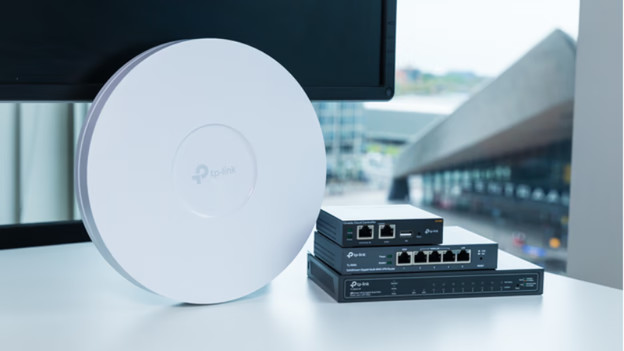
Do you want a router for your company?
For routers for your company, you need a special business router. These routers often don't have built-in WiFi. You'll have to connect wired access points that you mount around your office. These access points transmit a WiFi signal. The more access points, the larger your WiFi range gets.