This is the one
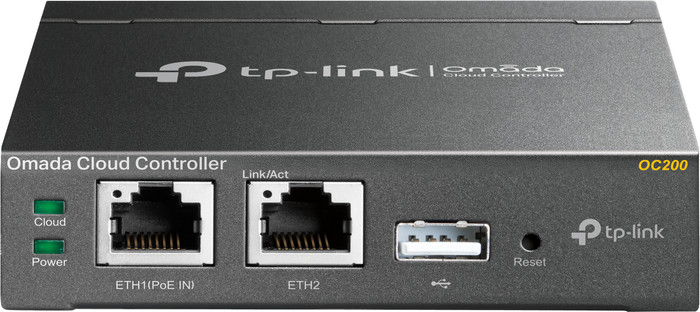
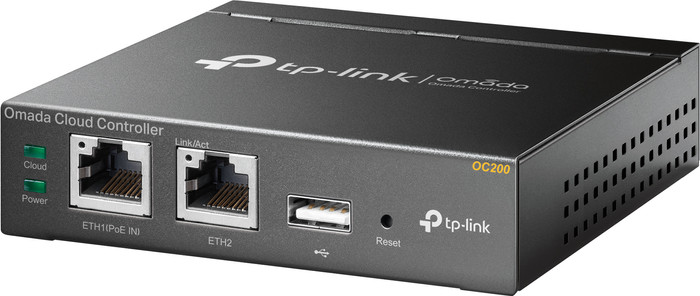
TP-Link Omada OC200
According to our access point controller expert
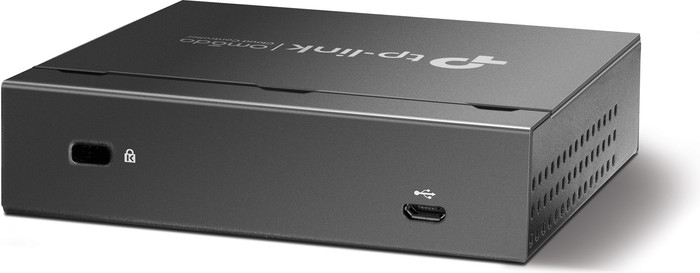
With the TP-Link Omada OC200 Cloud Controller OC200 you can manage all TP-Link access points from the Omada series from 1 location. Place the cloud controller in your network and you manage the wireless network in your company from anywhere. For this you use the software from TP-Link or the user-friendly Omada app. With the cloud controller you can monitor the statistics of your wireless network, expand the network or set up guest access for customers or external employees. Do you have a company network with multiple locations? You also manage that via the cloud. Connect a storage medium to the USB connection and back up all settings.
5 stars
10
4 stars
1
3 stars
0
2 stars
0
1 star
0
The OC200 replaces TP-Link's eap software. No need for a computer that has to work day and night. Management of the OC200 can be done internally but also externally via the Omada app or website. I expected that with the OC200 you could change the captive portal url to a domain instead of an ip address.
Ryan Voorspoels
3 March 2019
Automatically translated from Dutch
was looking for a device to manage my APs and fast roaming. This device does that just fine
maurice wijshof
1 November 2018
Automatically translated from Dutch
The product is very pleasant. There is no need to leave a PC on and it can always be accessed.
M de Kruijf
13 November 2018
Automatically translated from Dutch
Product number | 822141 | |
|---|---|---|
Manufacturer code | OC200 | |
Brand | TP-Link | |
Warranty | Lifetime | |
Processing of your defect | Via Coolblue | |
Old product returned for free |
Suitable for brand line | TP-Link Omada |
|---|---|
Maximum number of stations | 64 |
Saving function | |
Backup battery |