TP-Link Tapo IP cameras
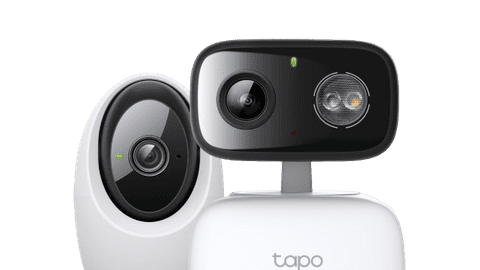
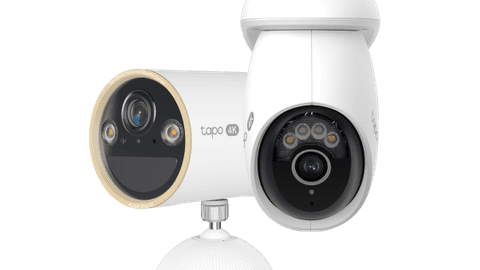
Compare the Tapo IP cameras
Bright built-in light and always power
You connect this camera to your fixed wiring. Thanks to this, you don't have to worry about battery life when the light is often on.
You can store the footage on an SD card, without an extra subscription
Because you connect this doorbell to fixed wiring, it always has power
Thanks to the bright light, you always have a clear image even in the dark
The built-in spotlight automatically turns on in case of movement, so you can scare away intruders
Razor-sharp footage, but more storage space necessary
Thanks to the built-in lighting, you can also keep an eye on a small part of your garden at night. Nothing goes unnoticed, even in the dark.
You can store the footage on an SD card, without an extra subscription
The battery lasts up to 300 days
Thanks to the 4K resolution, the image is razor-sharp even when you zoom in
Long battery life, but less sharp image at night
Details can be difficult to see if you zoom in on the footage with little light. You do have to charge the camera less often.
You can store the footage on an SD card, without an extra subscription
The battery lasts up to 300 days
Shorter battery life and less sharp image at night
After about 180 days, you have to charge the camera. Details in the image can also be difficult to see when you zoom in a lot with little light.
You can store the footage on an SD card, without an extra subscription
From
to49,99
341,-
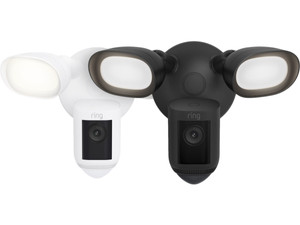
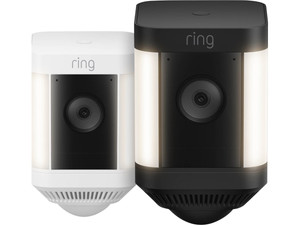

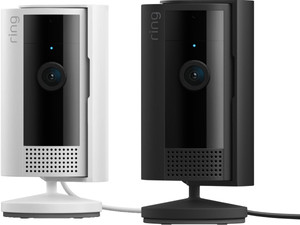
Are you going to place the camera indoors or outdoors?
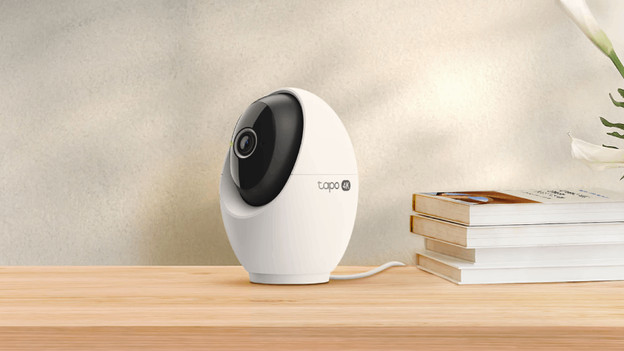
Indoors
With an indoor camera, you can keep an eye on your house. For example, place a camera in a spot where you store important items. Or keep an eye on your pets when you're not there. Some TP-Link Tapo IP cameras recognize sounds such as a dog barking or a baby crying. You receive a notification via the app. Thanks to the built-in microphone, you can soothe your child or pet. The Tapo indoor cameras are also suitable as baby monitor thanks to this.
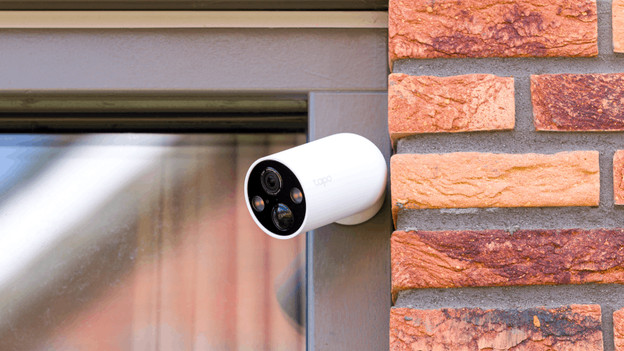
Outdoor
The TP-Link Tapo outdoor cameras are waterproof, so you can always leave them outside. That way, you know exactly what's happening at home. When it detects movement, you'll receive a notification via the app on your smartphone. Choose a camera with a built-in light to also see razor-sharp footage in the dark. With a camera with a solar panel, you can charge the battery via solar power. That way, you can save energy and use the camera for longer without charging in between.
Secure the entire garden
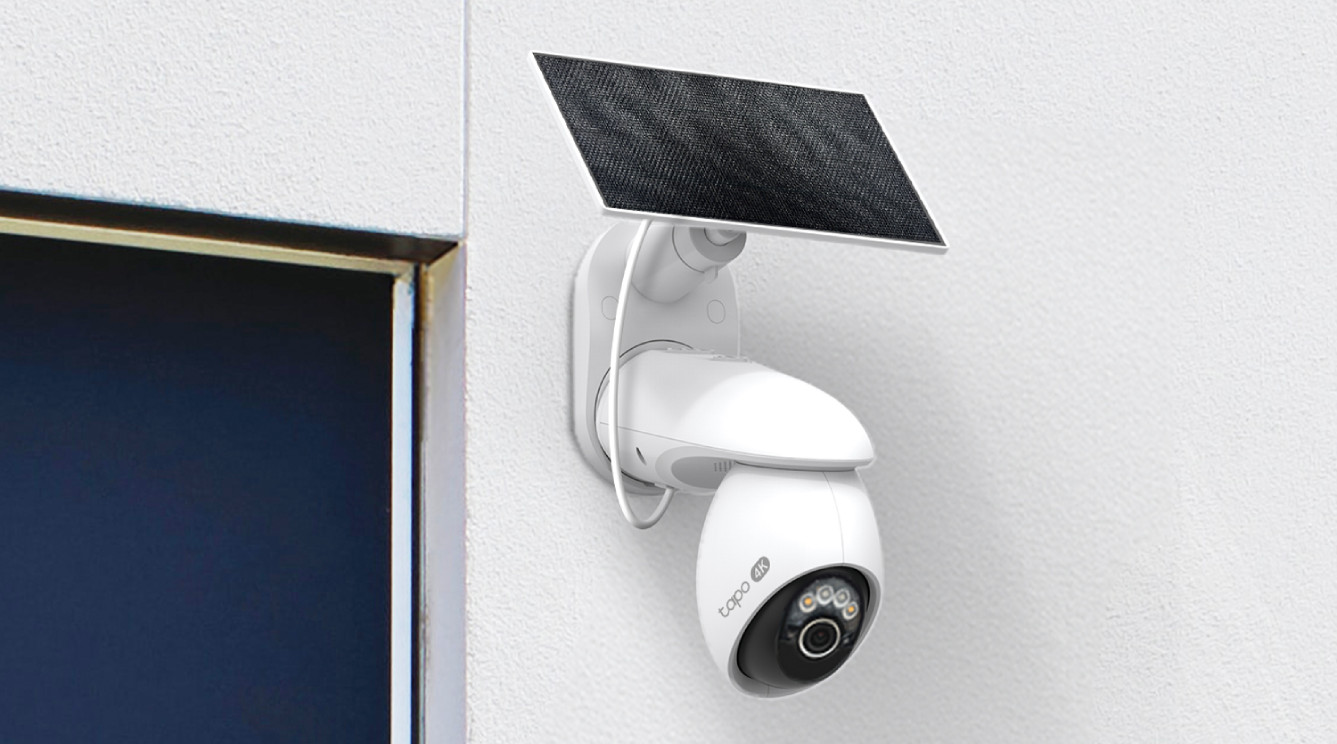
Extra long battery life
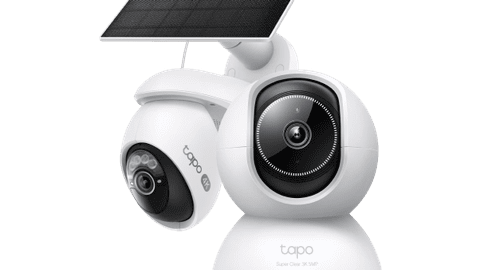
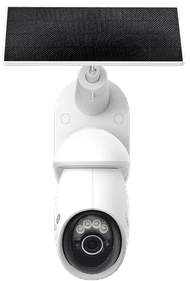
Thanks to the solar panel, you can charge this camera with solar power. This way, the battery lasts longer. The camera rotates 360 degrees and records in 4K resolution, so you can see every event razor-sharp.
How does the TP-Link Tapo app work?
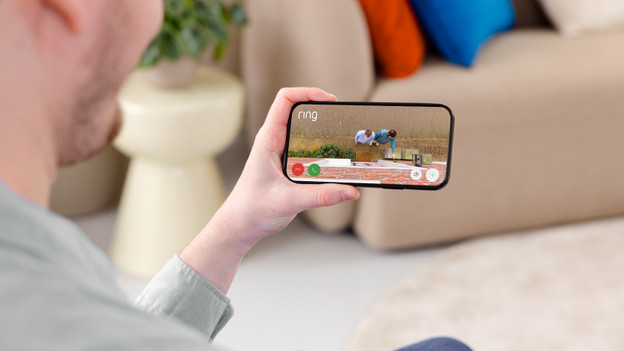
Via the TP-Link Tapo app, you can control all your smart Tapo devices from 1 spot. You can watch footage of your doorbell and IP cameras or set schedules for your smart plug here. The app also sends you notifications. For example, if your IP camera or doorbell recognizes movement. This allows you to switch to the footage right away. You can also watch recorded footage in the app.
FAQ
Do I need a subscription for my Tapo IP camera?
You don't need a paid subscription to use the Tapo IP cameras. You can store recorded footage on a microSD card. This often isn't included. Rather want to store the footage in the cloud? You can take out a Tapo Care subscription and pay a fixed amount per month.
Do I always need internet?
Yes, Tapo IP cameras don't work without internet. So always make sure that you have a stable WiFi signal at the spot where you place the camera. In the article below, you can read how you enhance your WiFi signal.
How do I install a Tapo IP camera?
For the installation of a Tapo IP camera, you need the Tapo app. That way, you can add your device. The app then guides you through the installation step by step. You can then choose which notifications you want to receive and how often the camera records via the settings. For the installation of a Tapo IP camera, you need the Tapo app. That way, you can add your device. The app then guides you through the installation step by step. You can then choose which notifications you want to receive and how often the camera records via the settings.
Can I view the images at multiple phones or tablets at the same time?
Via the app, you can share your devices with others. To do this, tap 'me' and then 'Device Sharing'. You can see your own devices here and the devices that others share with you. Choose the camera that you want to share at 'My Devices'. Note that the people who you share the camera with also have to have a TP-Link app and an account.
With which smart assistant does my TP-Link Tapo IP camera work?
The Tapo IP cameras work with Google Assistant and Amazon Alexa. This way, they work together with your other smart devices.