Written by Robyn
Edited on
14 October 2025
·
11:15
What's Apple CarPlay?
When you're driving, you put away your iPhone so you can completely focus on the road. But sometimes, it can be useful to send a text or check the route on your phone. Apple CarPlay ensures that you can safely use your Apple iPhone in the car. In this article, we'll explain what Apple CarPlay is and what you can use it for
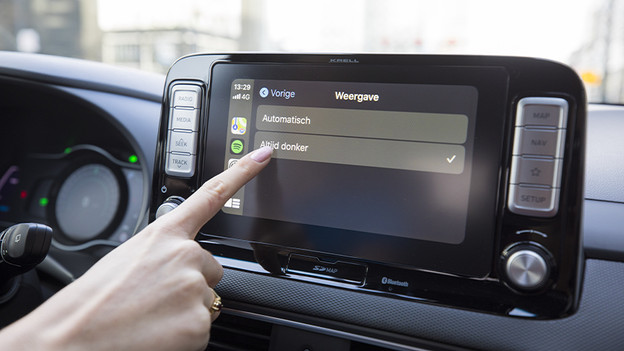
Apple CarPlay
If your car supports Apple CarPlay, you can use all the functions of your iPhone on the display of your car. Connect the phone via CarPlay and ask for directions, make phone calls, or send messages via your car. In addition to the Apple apps Maps and Music, you can also use third-party apps with CarPlay. Have Siri read your WhatsApp messages to you, listen to your favorite music with Spotify, and always know if there's traffic with apps like Waze and Flitsmeister.

Navigation and voice control
Apple CarPlay works with Siri voice control. Press and hold the voice control button in your car and ask Siri to navigate home. Siri looks for your contact information and address in your contact list. Then, Siri enters the address for you in the Maps app. This way, you can use the navigation in your car without taking your eyes off the road. On the CarPlay home screen, you can see the set route, what song you're listening to, and your next calendar event.
Article by Robyn
Apple Expert.