Written by Mascha
Edited on
28 August 2024
·
14:56
This is how you improve the range of your doorbell
When someone rings your doorbell, it sends a signal to the wireless receiver. The receiver will then make a loud sound. The doorbell does need a good range for this, so it's always connected to the receiver. In this article, we'll tell you how to improve this range. That way, you'll never miss a visitor.
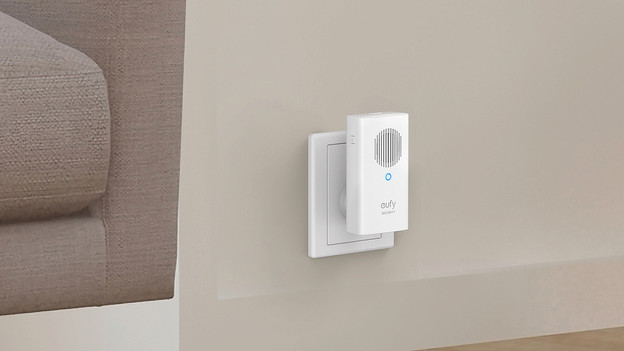
Put the receiver in a spot without obstacles
You can find the maximum distance between the bell and the receiver on the packaging of the doorbell. This is often between 50 and 100m. This seems like more than enough, but the range can decrease quickly. For example, because of a thick concrete wall. An aquarium or a full coat rack also stop the signal. That's why you should place the receiver in a spot with the least amount of obstacles.
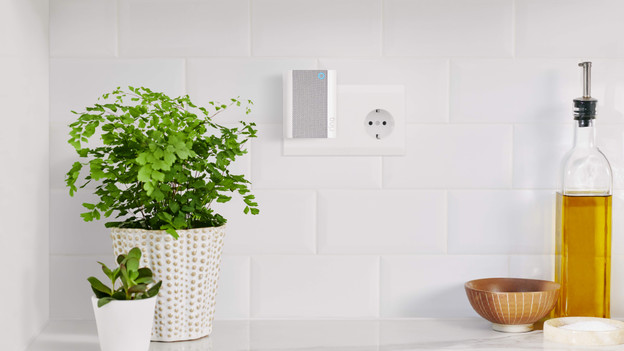
Don't place the receiver too close to other devices
You can connect your wireless doorbell and receiver to each other via WiFi or Bluetooth. Many other devices in your home also use these signals, like a speaker or laptop. This gets in the way of the range of your doorbell. The waves from the microwave or television can also disrupt the range. That's why you should keep your wireless receiver as far away as possible from other devices.
Article by Mascha
Doorbell Expert.